
Injury Recovery in Greater Victoria, BC - Call us to book an appointment: (250) 382-0018
Diversified Health Clinic
  • Welcome
  • About
    • Meet our Team
      • Dr. Matthew Bryan DC
      • Dr. Tessa Bryan DC
      • Dr. Krisjan Gustavson DC
      • Dr. Alexia Grelson DC
      • Dr. Ian Hyams MD
      • Kanu Priya, (MPT)
      • Spirit Donahue MPT
      • Morag Hart RMT
      • Craig Lawrence RMT
      • McKenzie Connell RMT
      • Braedan Pearce RMT
      • Angelina Schaaf BCAK
      • Christian Schwarz BCAK
      • Annie Wang R.Ac, R.TCM.P
      • Rebecca Thompson, R.Ac, R.TCM.P
      • Lauren Ching R.Ac
      • Laura Grohovac CCC
    • Our Clinic
    • Careers
  • Disciplines
    • Disciplines
      • Chiropractic
      • Physiotherapy
      • Registered Massage Therapy
      • Kinesiology
      • Acupuncture
      • Clinical Counselling
      • Medical Doctor
      • Personal Training
    • Treatments
      • Spinal Decompression
      • Shockwave
      • Class IV K Laser
      • eToims Needle-less IMS
      • Orthotics
      • Pelvic Floor Physiotherapy
  • Conditions
    • Plantar Fasciitis
    • Running Injuries
    • Allergies
    • Concussion Treatment
    • Bursitis
    • Tennis Elbow
    • TMJ Disorder
    • Automobile Collisions
    • Nerve Pain with Sciatica
    • Sport Injuries
    • Stress
    • Runner’s Knee
    • Vertigo & Vestibular Rehab
    • Concussions
  • Pricing
  • News & Events
    • News
    • Events
    • Practitioners In Focus
    • Exercise Library
  • Contact
  • ICBC Claims
  • Book Now!
  • News
  • Menu Menu
  • Link to Facebook
  • Link to Instagram
  • Link to X
  • Link to Youtube
  • Link to Rss this site
  • Link to Mail
  • Welcome
  • About
    • Meet our Team
    • Our Clinic
    • Careers
  • Disciplines
  • Conditions
  • Pricing
  • News
    • News & Advice
    • Practitioners In Focus
  • Contact
  • ICBC Claims
  • Book Now!
Chiropractic Care, Massage Therapy, Physiotherapy

Is Your Workspace Causing You Harm?
iStock_000004274272MediumSitting in front of a computer monitor or laptop for long periods of time is associated with numerous health problems, ranging from weight gain, to cardiovascular disease to a shortening of your life expectancy. Other symptoms include fatigue, headaches, arthritis, increase in blood pressure, risk of fractures, and neck and back pain.

Below are some tips that will help you to stay injury free and energetic throughout your work day.

How to Avoid Aches and Pains at Your Desk:

Sit as close as possible to your desk, with your upper arms parallel to your spine and your hands and forearms rested on the work surface. If your arms are not supported, the muscles of your neck and shoulders will try to compensate and you will end up with shorten tight muscles.

Make sure your elbows are at a 90-degree angle, and your legs are bent at the knees at a 90 degree angle. Adjust your chair higher or lower to achieve the 90-degree angles. If you have to lift your feet off the ground because of a chair or a desk that is too high, use a footstool to prop and rest your feet at the 90 degree angle.

Chair depth refers to the length between the back edge and front edge of your chair. To check for proper chair depth, sit all the way back in your chair so that your back is fully supported by the backrest and check the room between the front edge of your chair and your calves by making a fist and bringing it to the edge of the chair and pushing it on the calf. If you can’t fit your fist between the front edge of the chair and your calf, your chair is likely too deep, which will decrease your circulation.

Moving the chair’s backrest forward or inserting a cushion to support your lower back, should solve this problem. Low back support is essential in preventing slouching and reducing back pain.

How to Avoid Typing Pain:

Poor typing posture, either from improper seating arrangements or tight muscles, can lead to sore hands, fingers and carpal tunnel syndrome. Remember to use minimum force when typing on the keyboard, and place the keyboard directly in front of the monitor.

Take each hand, one at a time and place all five finger tips together. Slip a wide rubber band ( the rubber bands that hold the broccoli stalks together in the grocery store are perfect) around all five fingers and draw them apart against the resistance of the band, this will help reduce and strengthen your hand and finger muscles.

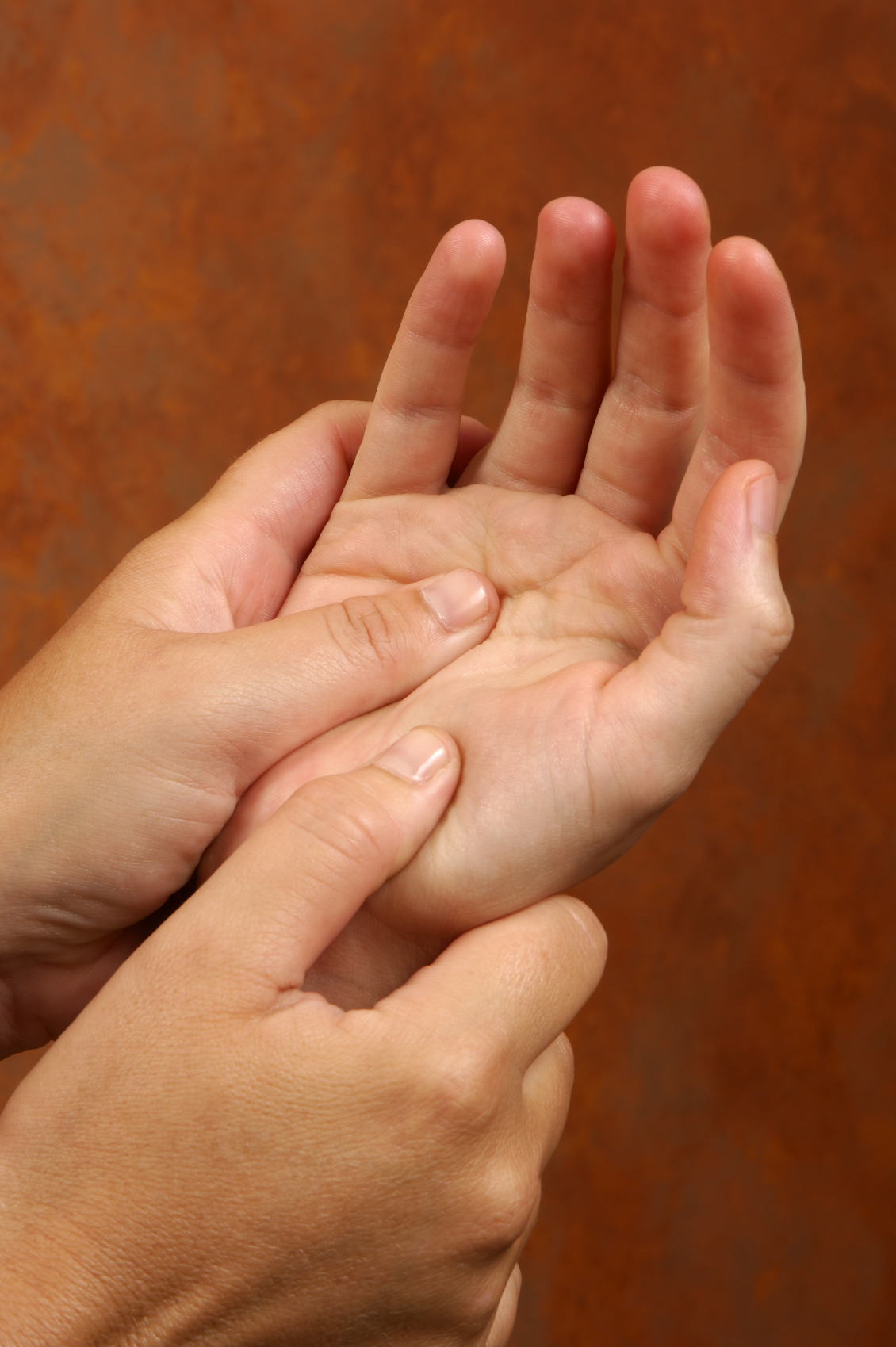
Your hands have many muscle, and like with any muscle, deep massage will break up knots, reduce pain and improve function. Try rolling a hard ball into your palm halfway through the day, or see a massage therapist for a hand massage at least twice a month. Hand massages are normally 20 to 30 minutes in length, and are a great lunch time activity.

How to Avoid Shoulder Slumping:

Sitting, typing and focusing on a screen a few inches below and in front of you will create slumped shoulders, unstable shoulder joints, and tight “pecs”.

Naturally our shoulder blades are stable, retracted, and down. This protects our shoulders and allows full mobility. When we slump forward, our shoulder blades drift apart, jeopardizing our shoulder stability.

Try to fully protract your shoulder blades by pushing your arms as far forward as possible which will spread your shoulder blades; then lift your arms up directly over your head. If you can’t do that comfortably, your shoulders are out of place.

Slumping shoulders will pull the rest of your spine out of order, simply because you’ve got the combined weight of your head and upper trunk pulling down. To avoid the slump, make sure when you sit, your buttocks sits far back in the chair, and roll your shoulders one at a time back, and down.

Your monitor or laptop needs to be at eye level or slightly above eye level. This will keep your head in the correct position, above your should with no tilting. Watch your head position, and try to keep the weight of your head directly above its base of support – the neck. Maintain your thoracic spine, by keeping the shoulder blades retracted; which means back and down.

How to Avoid Computer Vision Syndrome:

Eyestrain is an issue that affects anyone who looks at a computer screen all day. It has plenty of short term symptoms like dry eyes, blurred vision, headaches, and more.

Adjust the monitor’s position so that is 50-80 centimeters away from your eyes, with the top of your monitor at eye level. For most of us, that means you will need to raise your monitor by using a riser, or a stack of books.

An work space with too much light can create monitor glare that quickly tires your eyes. Turn off the over-head fluorescent lights and make sure that your light source is never directed behind or in front of your screen. Use indirect lighting such as a floor or desk lamp.

Use the 20-20-20 rule: Every 20 minutes, find an object about 20 feet away, and stare at it for 20 seconds; this will exercise your eyes and give them a break from your monitor’s screen.

Remember that the best thing you can do for yourself at work is to keep moving throughout the day!


January 19, 2015/by Carmen Scott
Tags: Aches and Pains, Workplace Injuries
Share this entry
  • Share on Facebook
  • Share on X
  • Share on WhatsApp
  • Share on Pinterest
  • Share on LinkedIn
  • Share on Tumblr
  • Share on Vk
  • Share on Reddit
  • Share by Mail
0 0 Carmen Scott https://www.diversifiedhealth.ca/wp-content/uploads/2026/01/DiversifiedHealth-logo.png Carmen Scott2015-01-19 08:34:132015-01-19 08:34:13Is Your Workspace Causing You Harm?
You might also like
Fact or Fiction? Is Joint Pain Worse in Cold Weather? Fact or Fiction? Is Joint Pain Worse in Cold Weather?

Search our Blog

Search Search

Topics of Interest

Acupuncture Back Pain Chronic Back Pain Chronic Pain Custom Orthotics Diversified Health Clinic Victoria BC Dry Needling eToims exercise fitness Foot pain GoodLife Fitness Victoria Marathon Headaches Health Care Victoria Health Tips Healthy lifestyle Immune System IMS Inflammation Joint Pain Knee Injuries Low Back Pain Marathons Migraines natural health practitioner orthotics Pain management Pain Relief Physiotherapy physiotherapy victoria bc Plantar fasciitis Registered Massage Therapist Registered Massage Therapy Runner's knee Running Seasonal Allergies Skin Cancer Spinal Decompression Sports Injuries Stress Stretches Sunscreen Victoria therapeutic massage Vitamins walking

Categories

  • Acupuncture
  • Athletic Therapy
  • Careers
  • Chiropractic Care
  • Events
  • Exercise Library
  • Fitness
  • Guest Bloggers/Articles
  • Health Information
  • Massage Therapy
  • News
  • Orthotics
  • Physiotherapy
  • Practitioners in Focus
  • Uncategorized
  • Victoria Healthcare News
  • Video Library

Archive

News & Events

  • About Matthew Bryan, DC November 7, 2025
  • The Benefits of Shockwave Therapy Treatments February 28, 2023
  • Piriformis Syndrome: A Real Pain in the Butt January 31, 2023
  • Searching for a Personal Trainer in Victoria to Help You Achieve Your Goals? December 31, 2022
  • Are Winter Blues + Holiday Stress Making You Feel Grinchy?  November 28, 2022
  • Fact or Fiction? Is Joint Pain Worse in Cold Weather? October 28, 2022
  • Pelvic Health During Pregnancy and Postpartum Workshop September 26, 2022

patients choice winner

A Victoria, BC Chiropractor winner of the Patients’ Choice Awards.Verified by Opencare.com

Diversified Health Clinic

The Mosaic Building
1063 Fort St, Victoria, BC
V8V 3K5, Canada
250-382-0018
Monday7 a.m. – 7 p.m.
Tuesday7 a.m. – 7 p.m.
Wednesday7 a.m. – 7 p.m.
Thursday7 a.m. – 7 p.m.
Friday7 a.m. – 7 p.m.
Saturday9 a.m. – 4 p.m.
SundayBy Appointment
© Copyright - Diversified Health Clinic. Website by Victoria's iDreamDigital.
  • Link to Facebook
  • Link to Instagram
  • Link to X
  • Link to Youtube
  • Link to Rss this site
  • Link to Mail
Link to: 7 Mental Health Resolutions for 2015 Link to: 7 Mental Health Resolutions for 2015 7 Mental Health Resolutions for 2015Link to: How To Combat The 9-5 Effects Of Sitting At A Desk Link to: How To Combat The 9-5 Effects Of Sitting At A Desk How To Combat The 9-5 Effects Of Sitting At A Desk
Scroll to top Scroll to top Scroll to top

Would you like to learn more about our COVID-19 Protocols?

Our ProtocolsDismiss

Cookie and Privacy Settings


How we use cookies

We may request cookies to be set on your device. We use cookies to let us know when you visit our websites, how you interact with us, to enrich your user experience, and to customize your relationship with our website.

Click on the different category headings to find out more. You can also change some of your preferences. Note that blocking some types of cookies may impact your experience on our websites and the services we are able to offer.

Essential Website Cookies

These cookies are strictly necessary to provide you with services available through our website and to use some of its features.

Because these cookies are strictly necessary to deliver the website, refusing them will have impact how our site functions. You always can block or delete cookies by changing your browser settings and force blocking all cookies on this website. But this will always prompt you to accept/refuse cookies when revisiting our site.

We fully respect if you want to refuse cookies but to avoid asking you again and again kindly allow us to store a cookie for that. You are free to opt out any time or opt in for other cookies to get a better experience. If you refuse cookies we will remove all set cookies in our domain.

We provide you with a list of stored cookies on your computer in our domain so you can check what we stored. Due to security reasons we are not able to show or modify cookies from other domains. You can check these in your browser security settings.

Google Analytics Cookies

These cookies collect information that is used either in aggregate form to help us understand how our website is being used or how effective our marketing campaigns are, or to help us customize our website and application for you in order to enhance your experience.

If you do not want that we track your visit to our site you can disable tracking in your browser here:

Other external services

We also use different external services like Google Webfonts, Google Maps, and external Video providers. Since these providers may collect personal data like your IP address we allow you to block them here. Please be aware that this might heavily reduce the functionality and appearance of our site. Changes will take effect once you reload the page.

Google Webfont Settings:

Google Map Settings:

Google reCaptcha Settings:

Vimeo and Youtube video embeds:

Other cookies

The following cookies are also needed - You can choose if you want to allow them:

Privacy Policy

You can read about our cookies and privacy settings in detail on our Privacy Policy Page.

Privacy Policy
Accept settingsHide notification only